






Rentals & move-in
From reservation to gate code without a trip to the office.
Tenants reserve and move in on your website in a few guided steps. Staff do the same from the office, with the same intake, and every rental keeps its paperwork.
What it does
In the product today
Online move-in
Five steps for self storage, six for vehicle spaces: details, license and emergency contact, vehicle, protection, date and agreement, payment.
Reservations that hold
A reservation holds the space for the days you set. Add an optional reservation fee paid by card and credited on the move-in bill.
E-signed agreements
Signatures are recorded with name, date, time and IP address, and the signed copy files itself under the tenant's documents.
Spaces your way
Space types with size, climate control and floor. Create a run of spaces at once, like A1 to A20.
Transfers and move-outs
Move a tenant to another space in one step. Move-outs by staff (with an undo) or by the tenant from the portal.
Rent increases with notice
Schedule a new rent for a rental; it starts after the notice period you set, and the tenant is sent the notice.
See it
Rentals & move-in, in the real app
Real screens from Bayable on a sample company with three facilities, in the places they get used.

Your website, on every screen: Edit the facility's website in the builder; tenants see it on their phone and rent online.
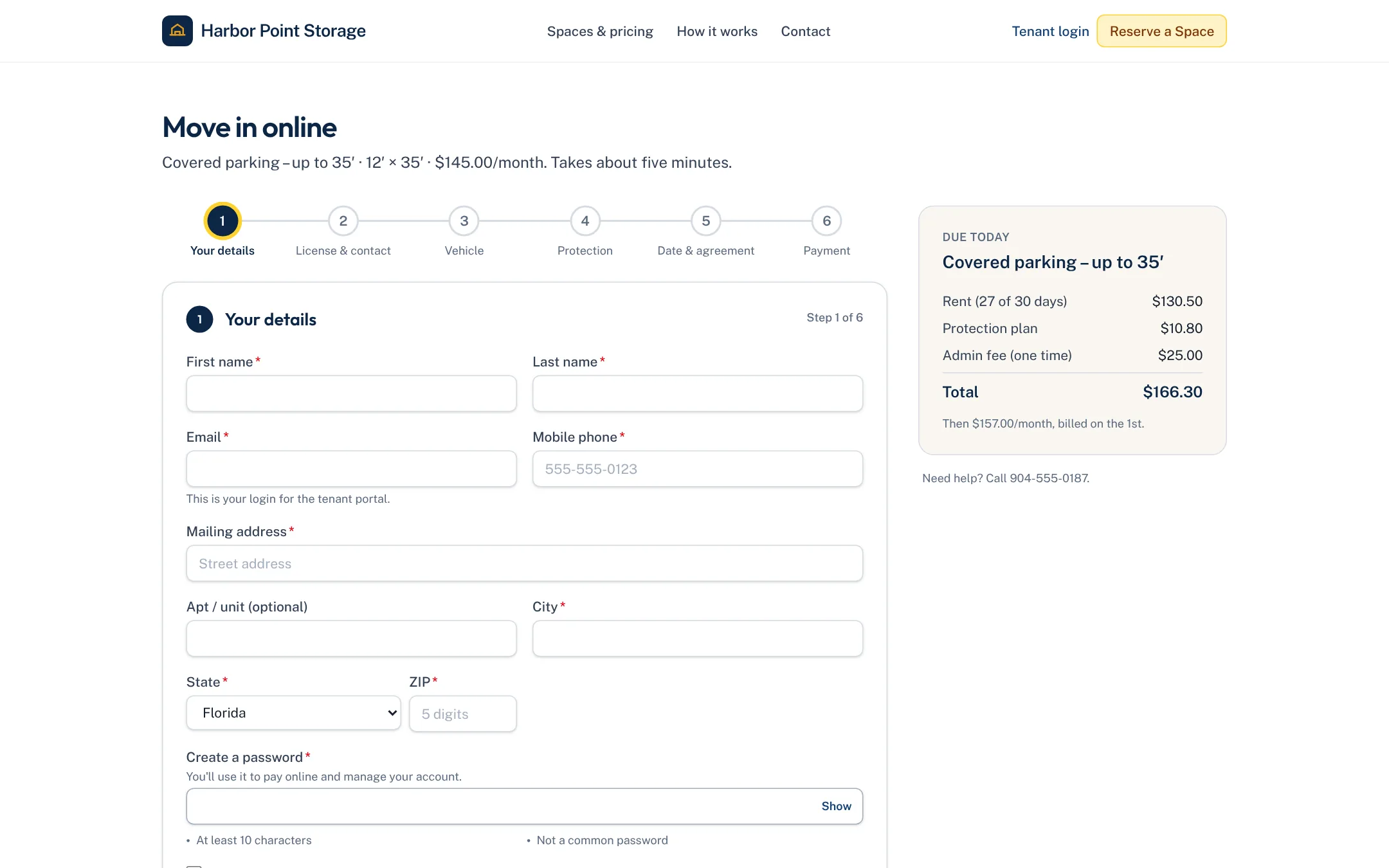
Online move-in: Six steps, about five minutes: their details, license and emergency contact, the vehicle, protection, the date and agreement, and payment.
On the way for rentals & move-in
Coming soon- SoonText reminders before a reservation's hold runs out
- SoonID verification against the license photo
- SoonMove-in from a kiosk at the gate